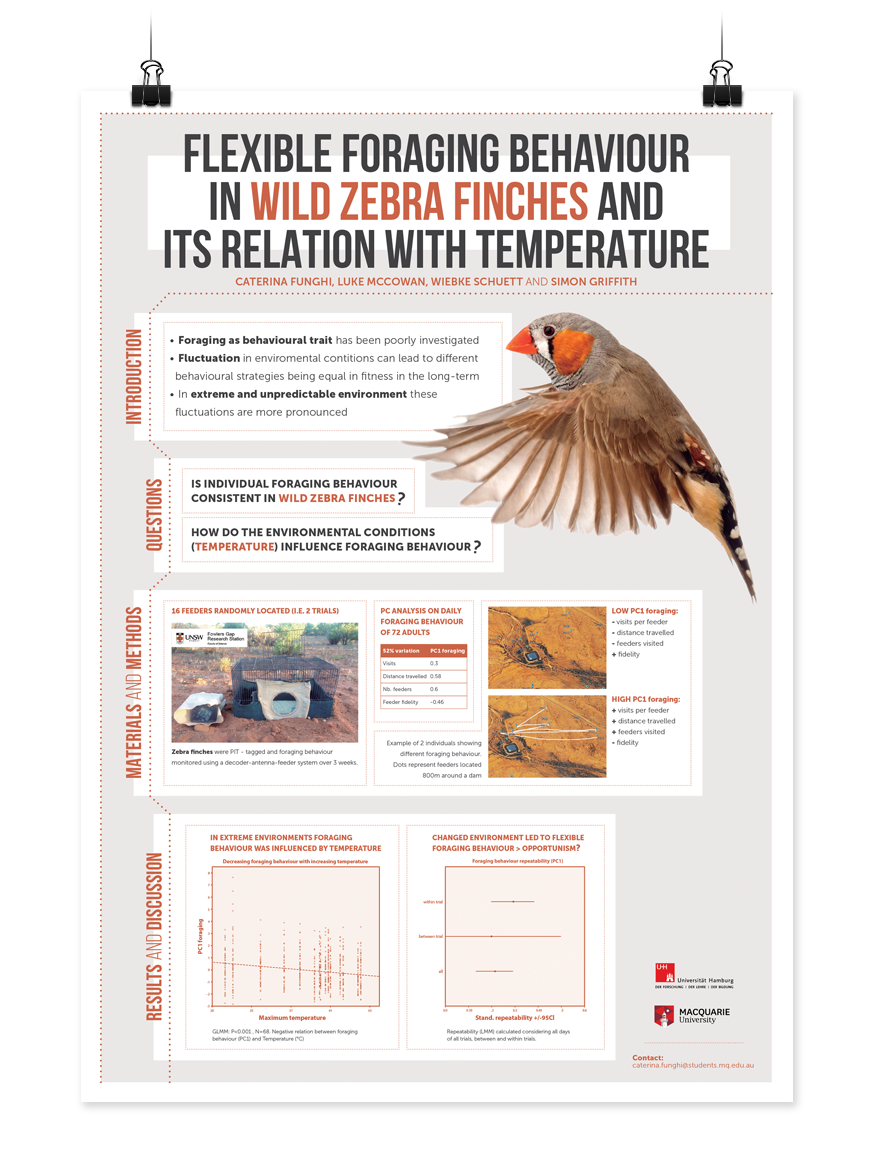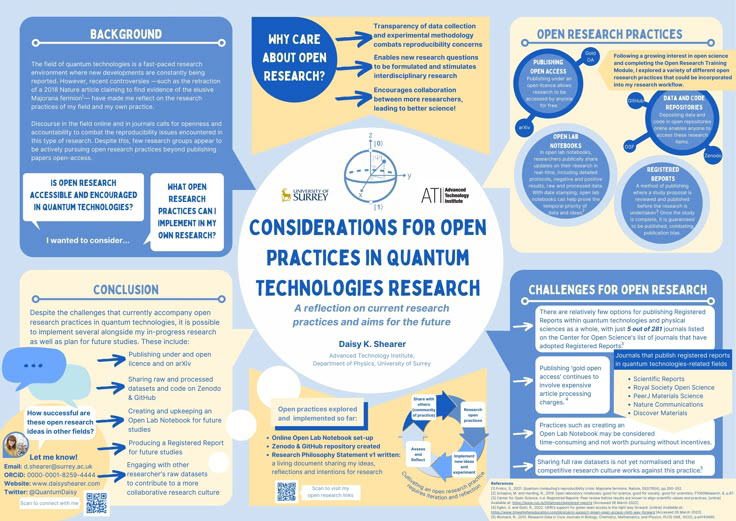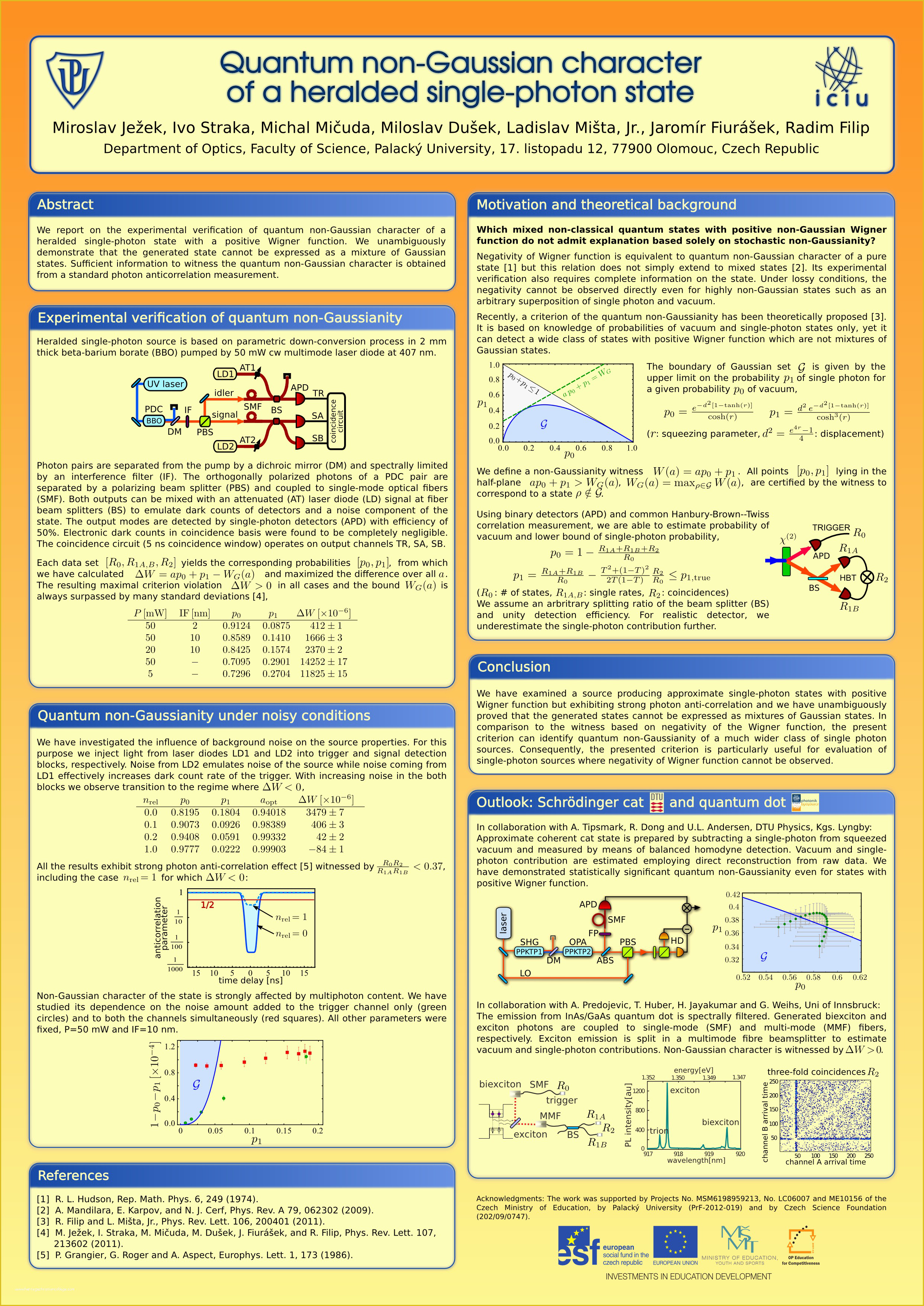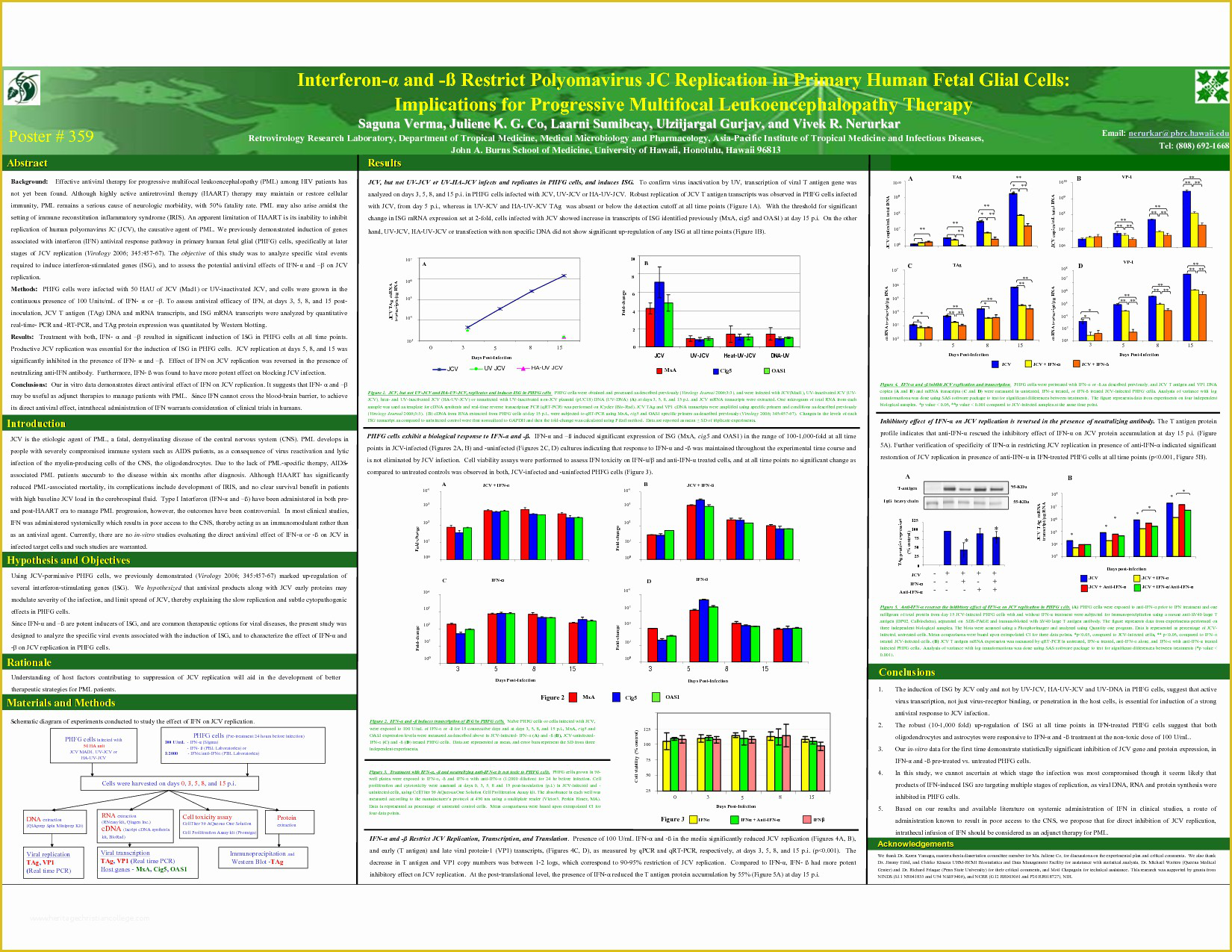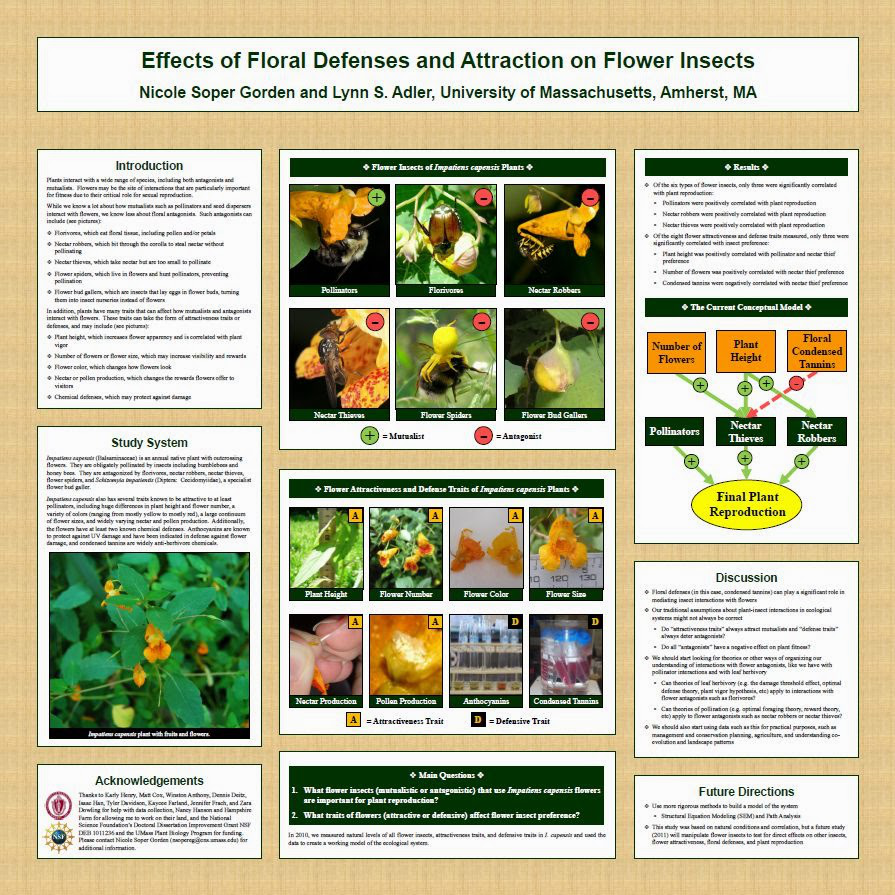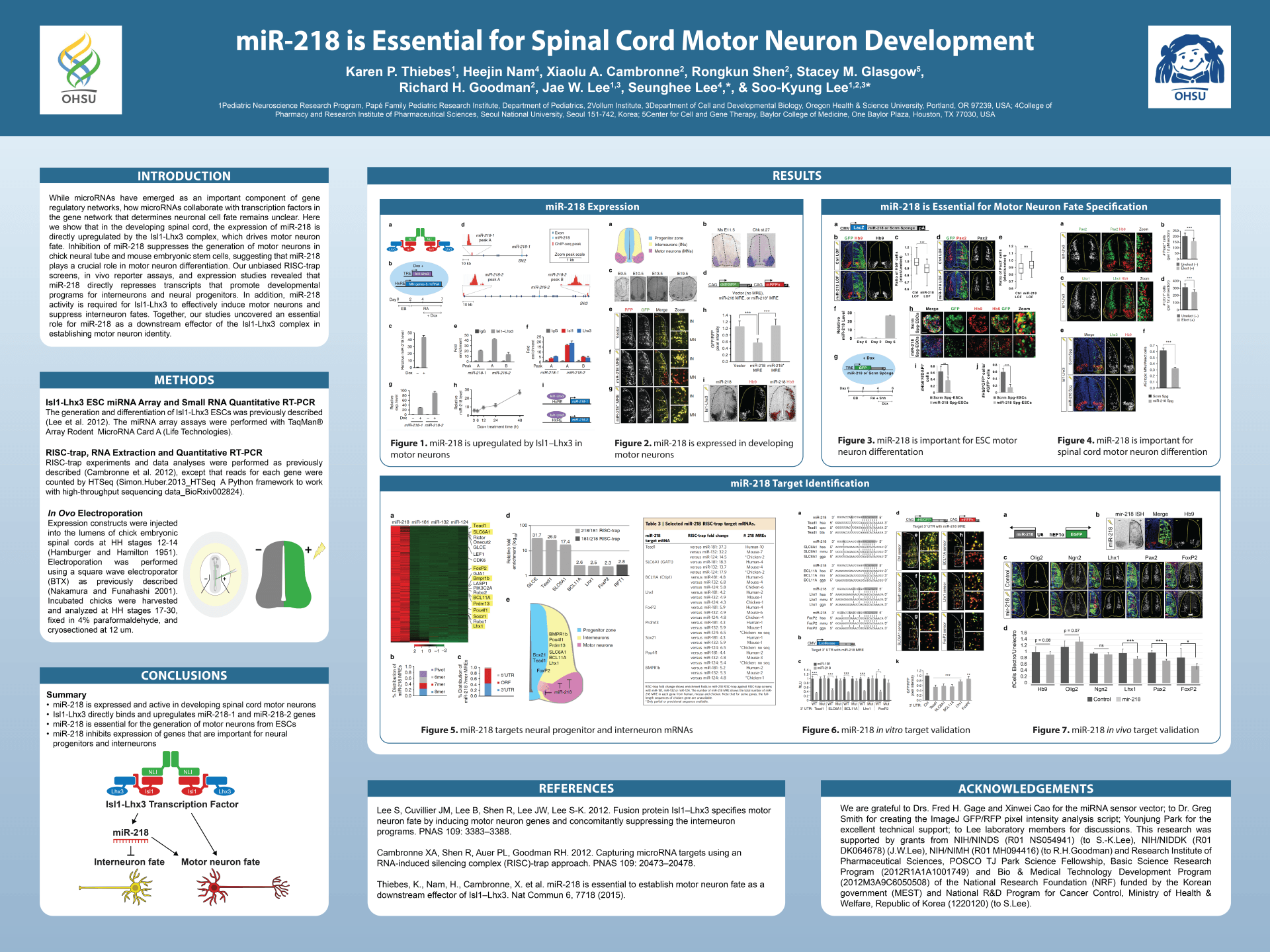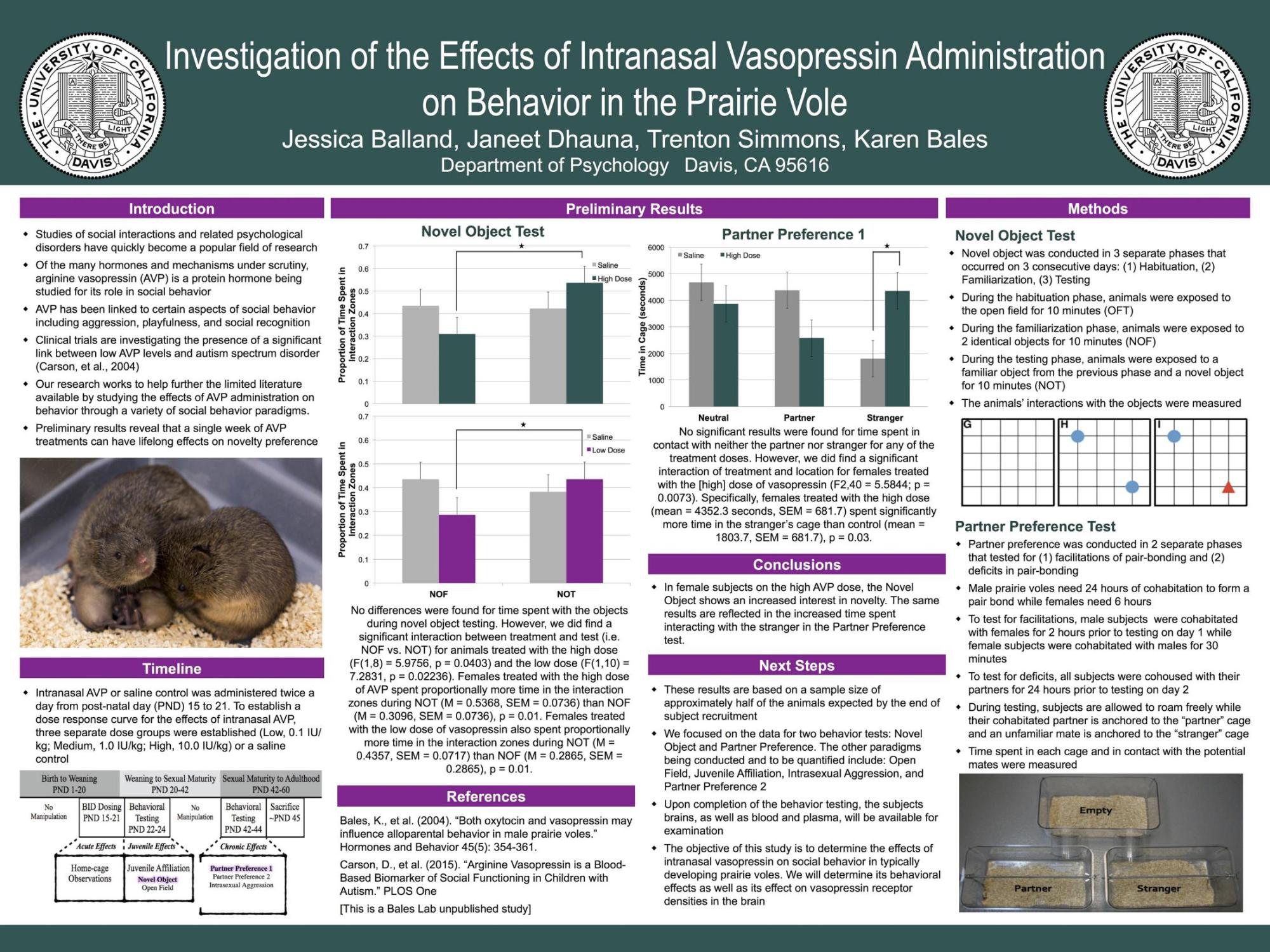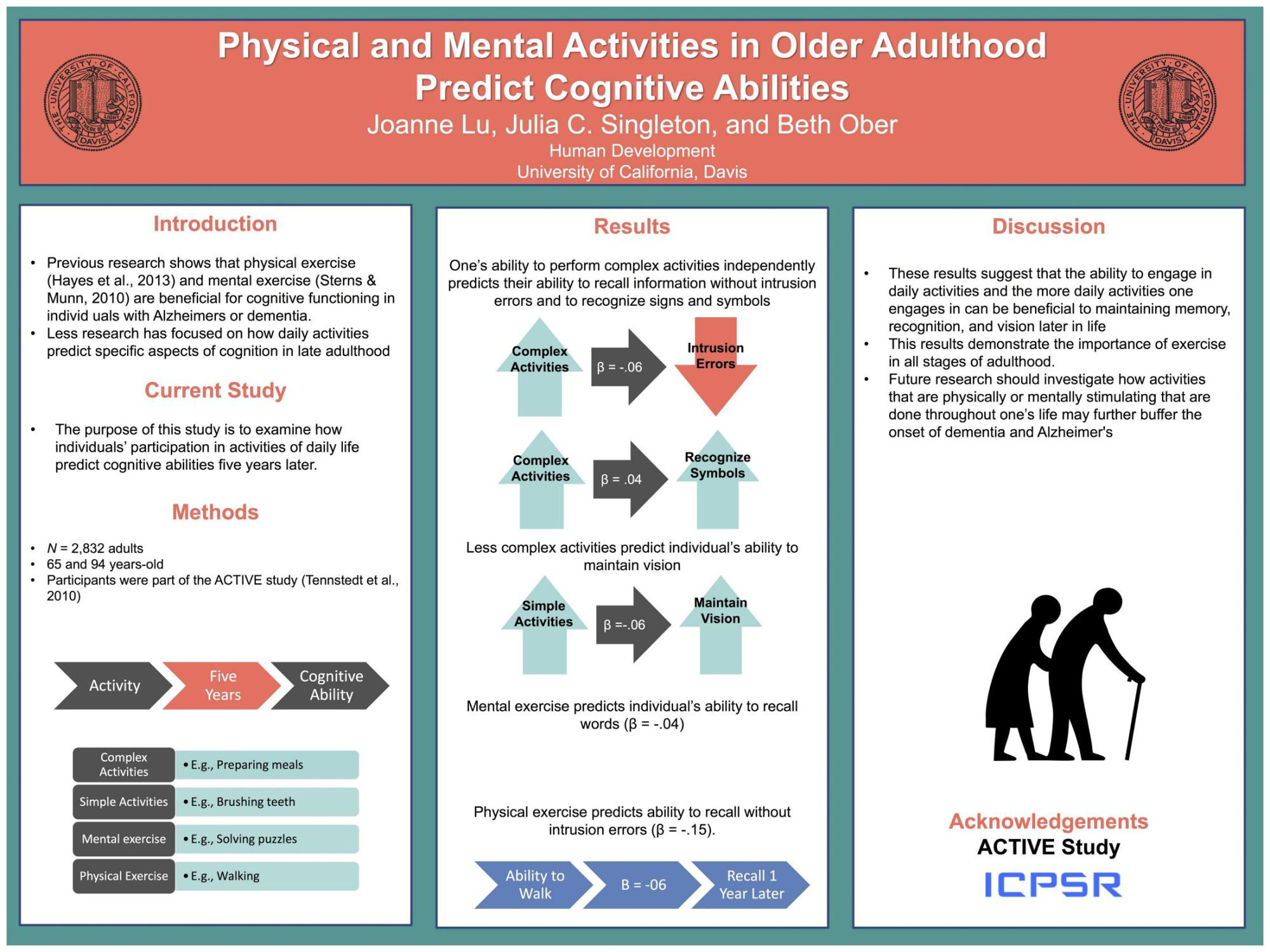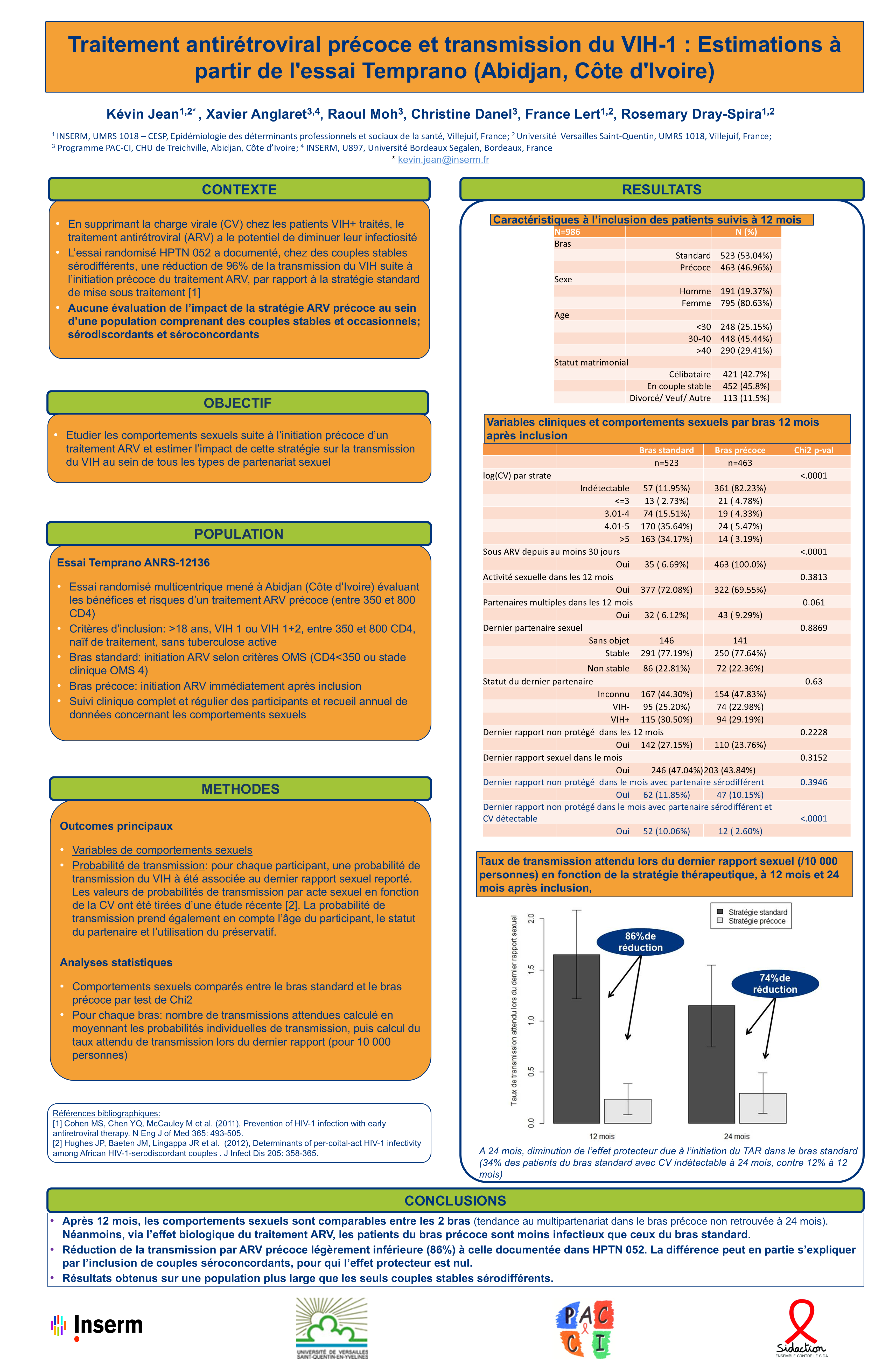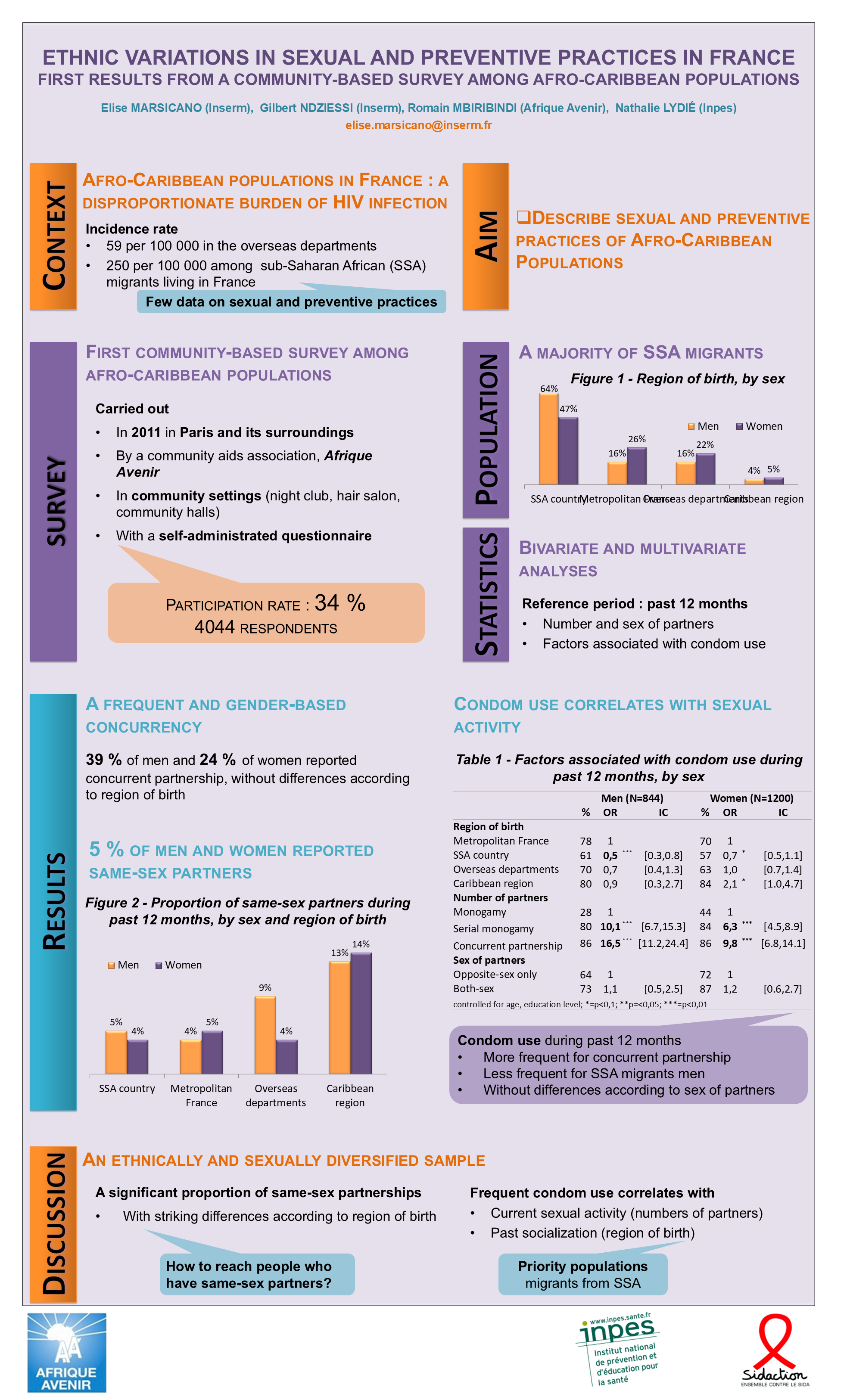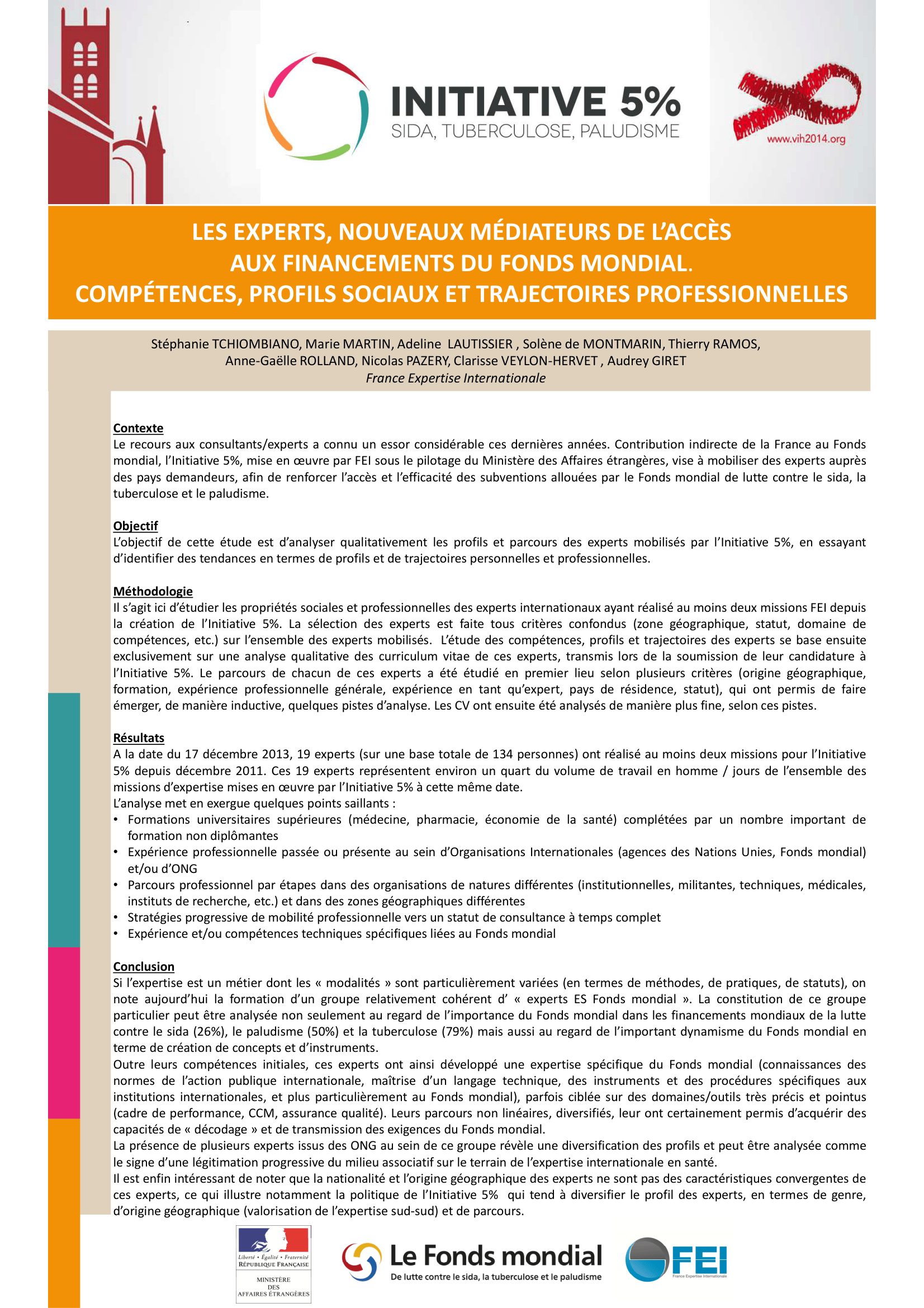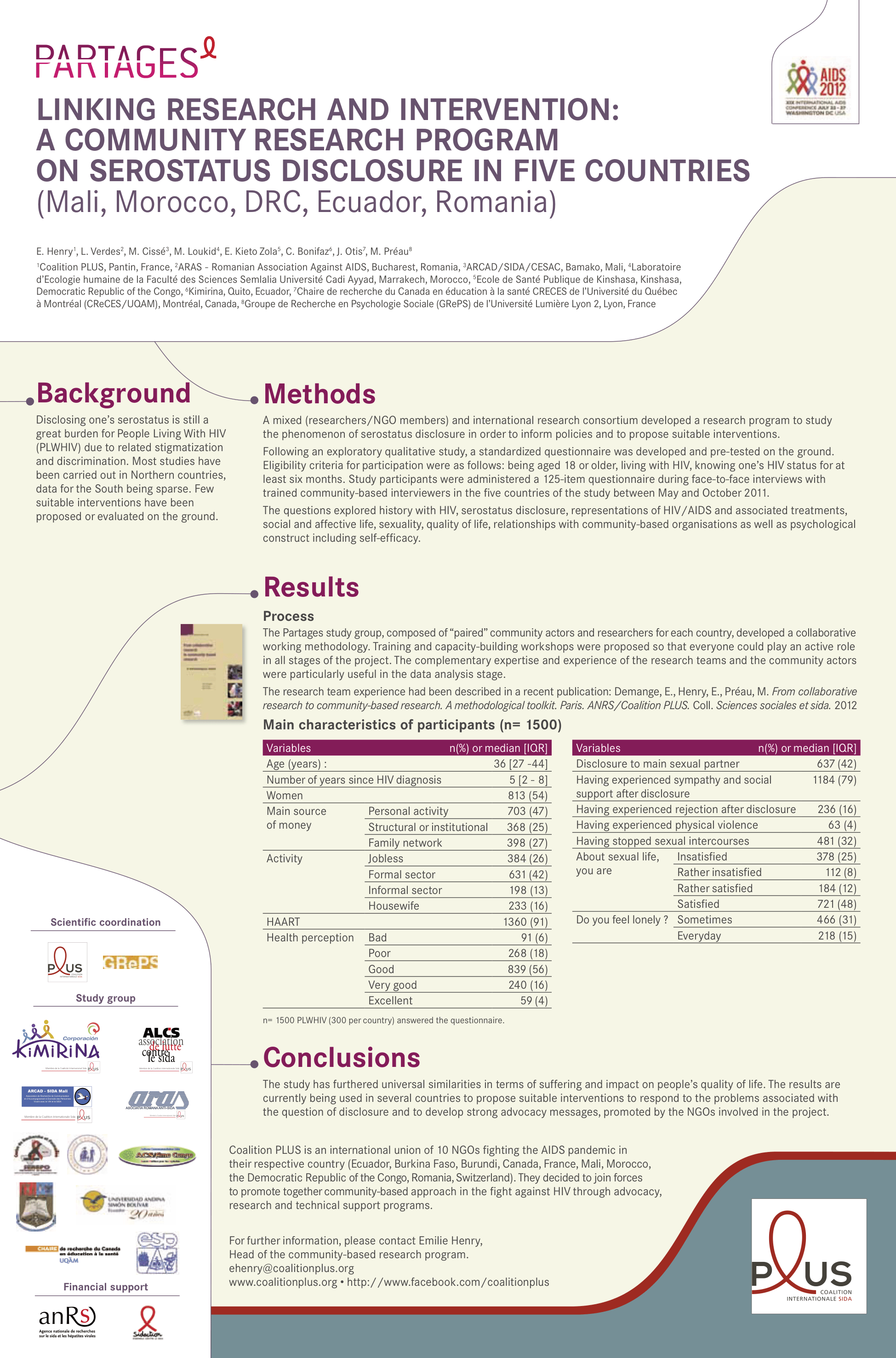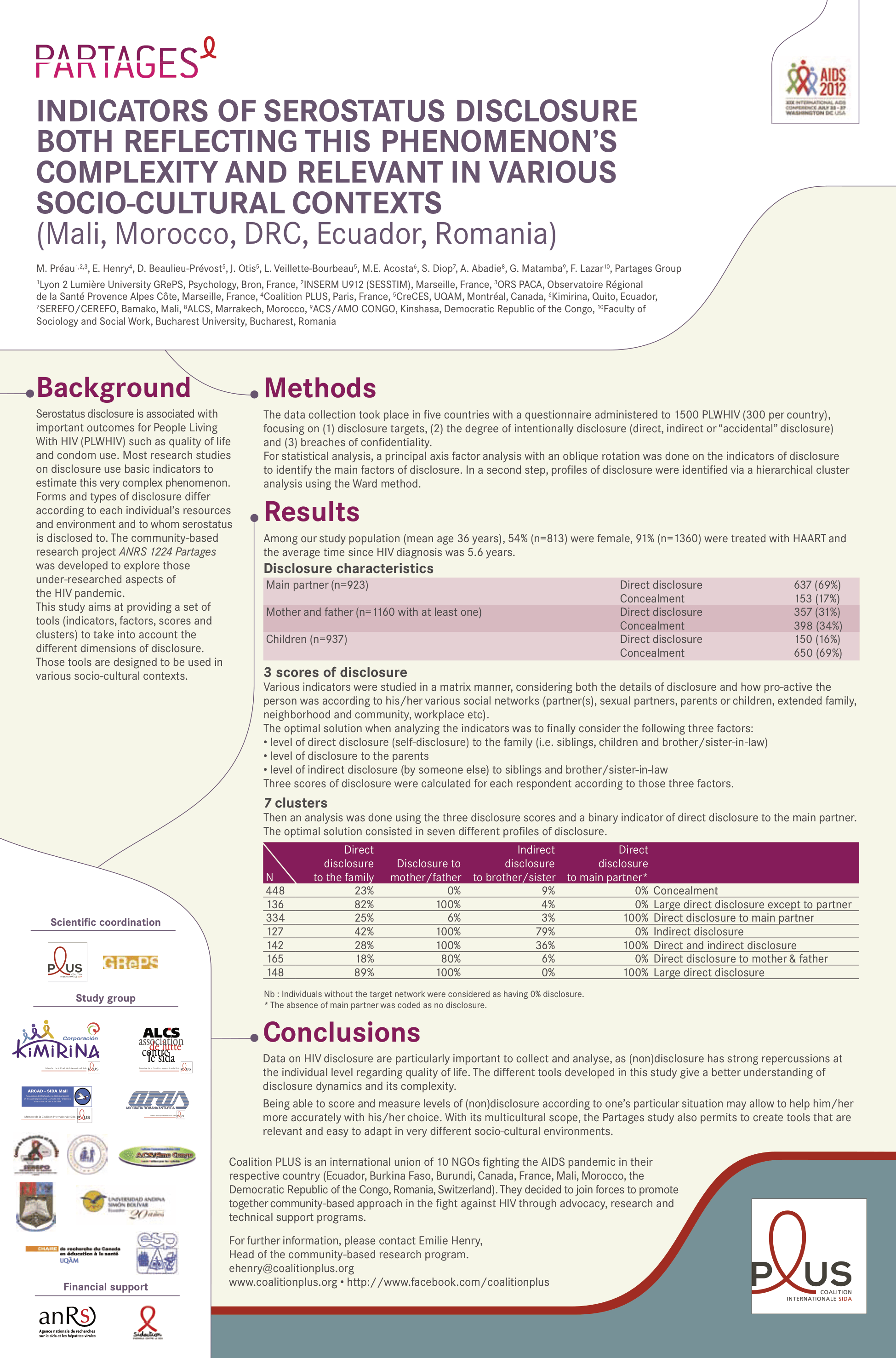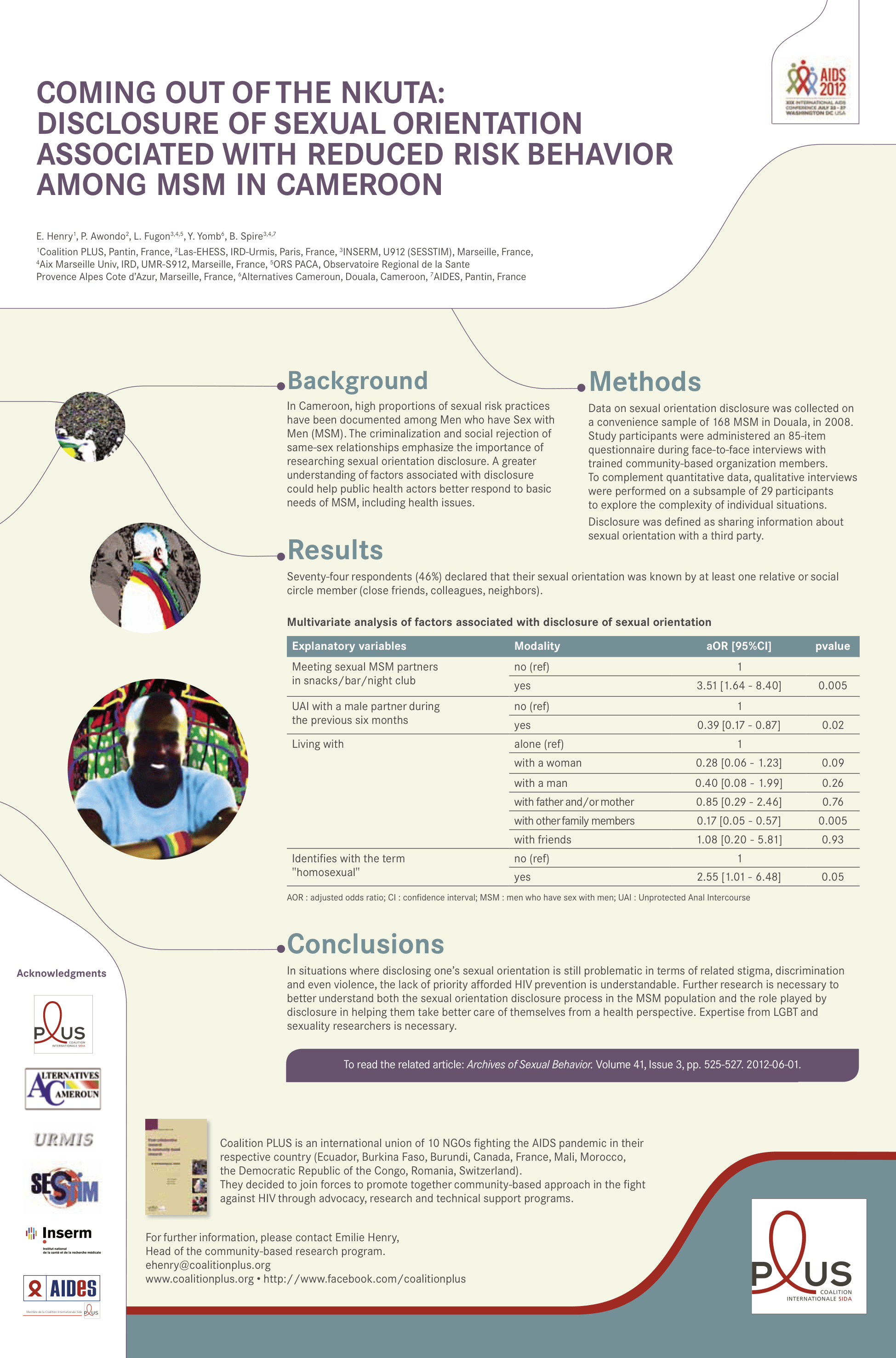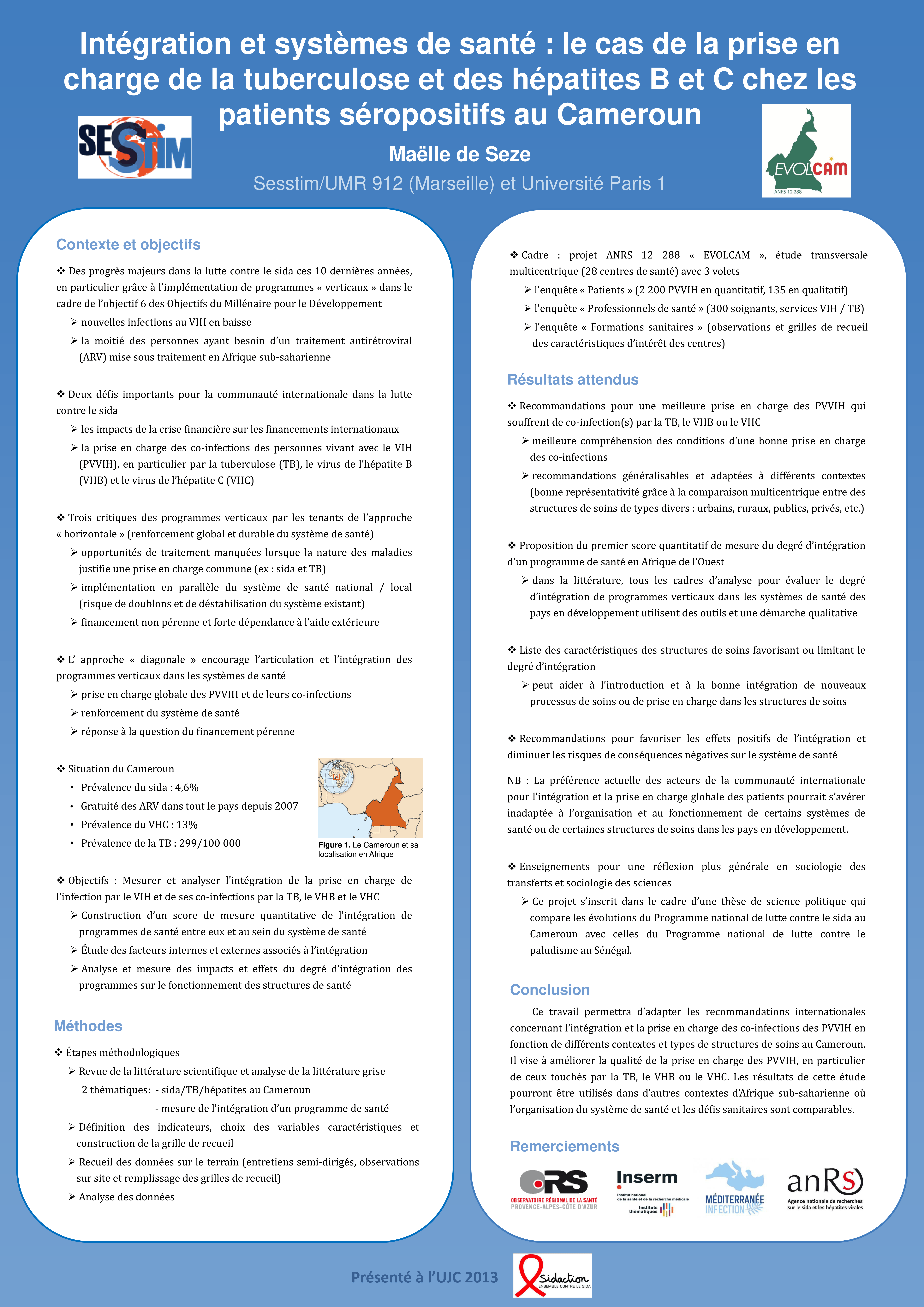
Design a poster

A few quick tips for making a research poster

Eric Largy

ARNA, INSERM U1212, CNRS UMR 5320, Université de Bordeaux

UFR des Sciences Pharmaceutiques, Université de Bordeaux

February 8, 2026

What is a research poster?

A poster is a visual communication tool

Helps you

  • Share your research
  • Engage your colleagues and peers
  • Get feedback and ideas

to as many people as possible in a short amount of time

Why make a research poster?

  • Source of information
  • Conversation starter
  • Summary of your work
  • Advertisement of your work

A poster is not a paper!

  • Focus on a single main message
  • Figures tell your story
  • Text used sparingly, only to support the figures
  • Well-ordered, obvious storyline, with clear headings and logical flow

This presentation in 10 seconds

  • Make your main message your title
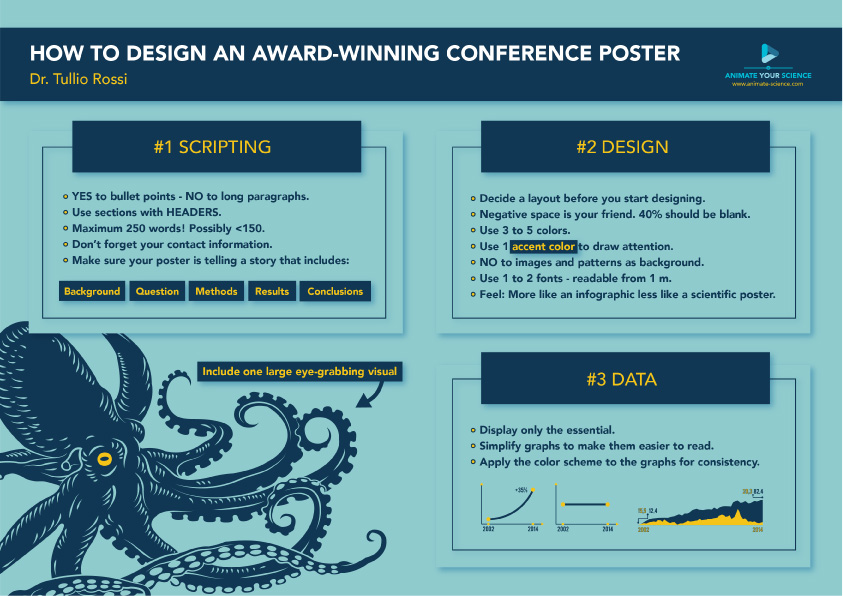
  • Keep your poster visual, simple, clear
  • Use text minimally

Message

Define an explicit message

  • State key result explicitly in the title
    • X is a key regulator of Y
    • X is required for Y
  • Make the strongest claim your data support
    • Avoid non-committal language like “may be” or “suggests”
  • Interpret the results in conclusion, do not just restate them.
    • X is a key regulator of Y, and may be a promising target for Z
    • X is required for Y, which suggests a potential role in Z

Audience

Know your audience

Make your poster accessible to a broad audience

  • People from your field
    • no effort necessay, they will be interested even if your poster is not good
  • People from adjacent fields
    • May have interesting insights
    • Require context and may not know the jargon
  • People from other fields
    • May provide insights/links to distant fields
    • Require explanations of problem and solution
    • Will not understand jargon

Consider the type of event

  • Specialists only, e.g. Symposium on the behavior of zebrafish larvae
    • May use jargon
    • May take presentation shortcuts
  • Wide-ranging audience, e.g. Annual meeting of the Society for Neuroscience
    • May assume familiarity with your discipline, but not with your specific topic
    • Avoid jargon and explain concepts that may not be familiar to all attendees
  • General audience, e.g. Science festival
    • Explain all concepts and avoid jargon

To satisfy all audiences, you need to

  • Provide context and motivation for your work
    • Present the big picture and why it matters
  • Use plain language
  • Avoid jargon and acronyms
    • unless you are sure your audience will understand them
  • Interpret your results so all readers can understand their significance and implications

Abstract?

Do not include an abstract on your poster

Your poster is an illustrated abstract, so the abstract is redundant.

Writing an abstract is however:

  • necessary to have your poster accepted for presentation at a conference,
  • a good exercise to help you define your message and structure your poster

An abstract is a concise summary of your work

  • State the problem and its significance
    • Context and motivation for your work, answers the question “why should we care?
  • Describe the objectives of your work
    • What question(s) did you ask?
  • Briefly describe the methods you used to answer those questions
    • Avoid excessive focus on methods…
    • … unless your research is methodological in nature, in which case you should focus on the novelty and advantages of your method
  • What people want to know: State your
    • main result(s) and their implications.
    • Recommendations based on your results, if applicable

Creating a poster

Plan first

  • Define your message: State your main result and conclusions in plain language
    • All figures and text should support this message
  • Know your audience
  • Know the requirements for the poster session
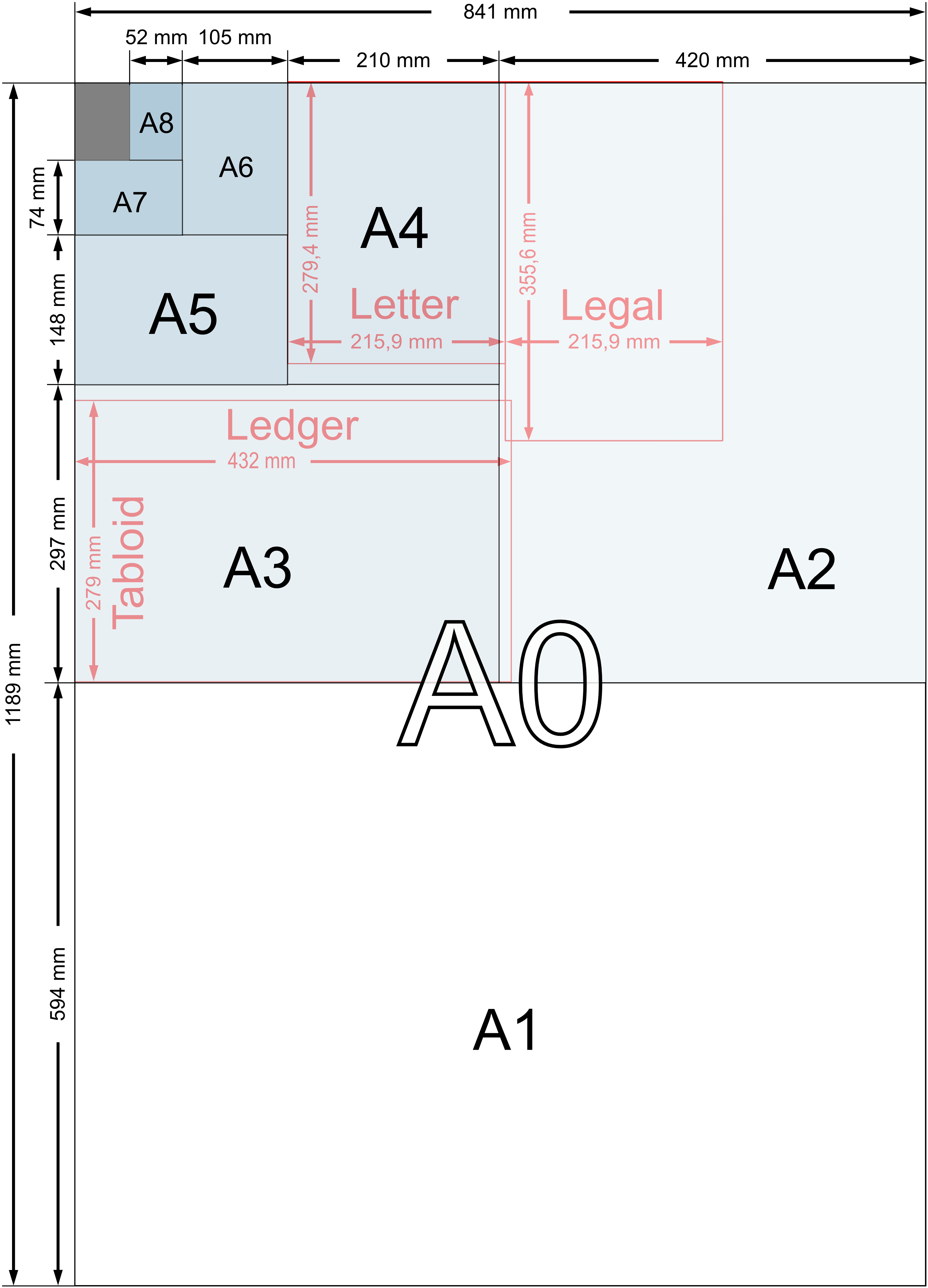
    • Size, orientation, etc.

Plan your workload

  • Define milestones and deadlines for each step of the process:
    • Figure preparation, layout, text, abstract, etc.
  • Allow time for feedback and revisions
    • In particular if multi-authored
    • Be kind to your PI: check with them early and often to avoid last-minute surprises
  • Remember that printing can take time

Stay focused on your message

Simple messages are easier to understand and remember

  • State it clearly, in plain language
  • Keep details to a minimum, only what is necessary to support your message
    • They can provided orally: if someone is interested, they will ask you for more details
  • Avoid trying to say too much
    • Can lead to a cluttered poster and a confused audience

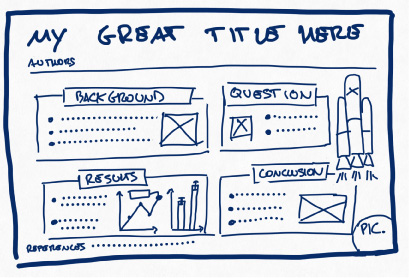
Create a mockup of your poster

  • What is essential to convey your message?
    • Discard the rest
    • Avoid focusing too much on methods
    • Reduce sentence complexity, vocabulary and length

Layout matters

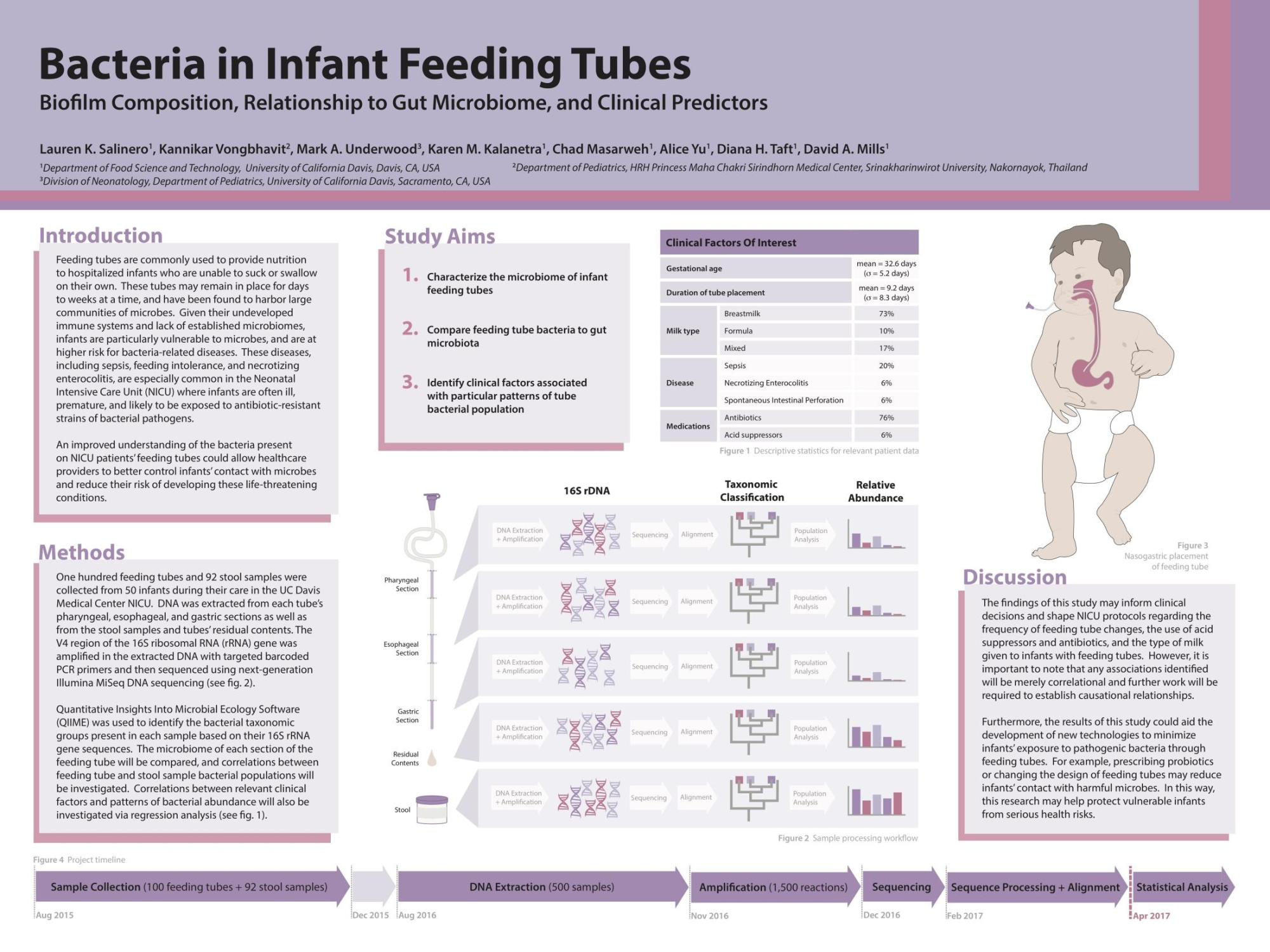
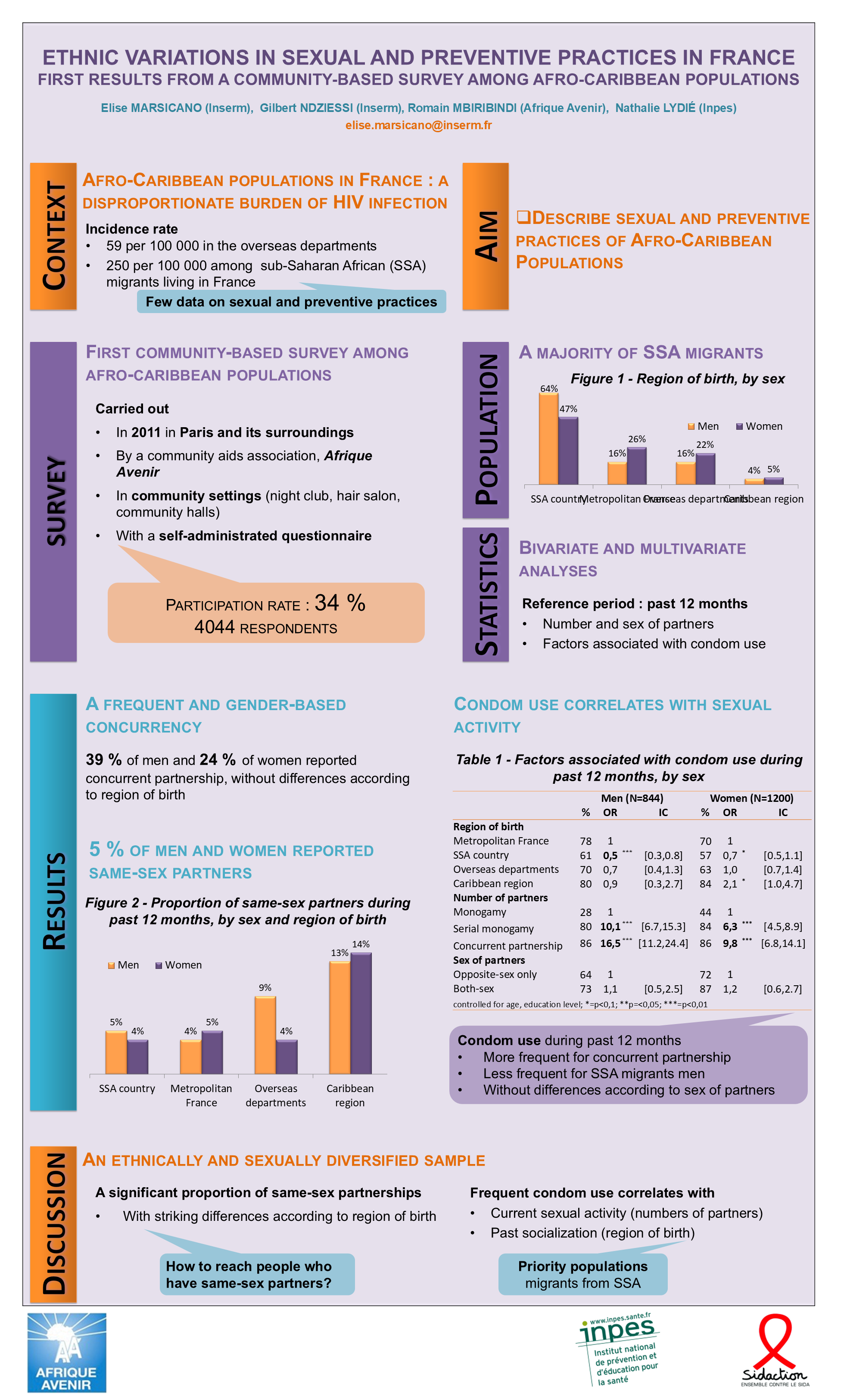
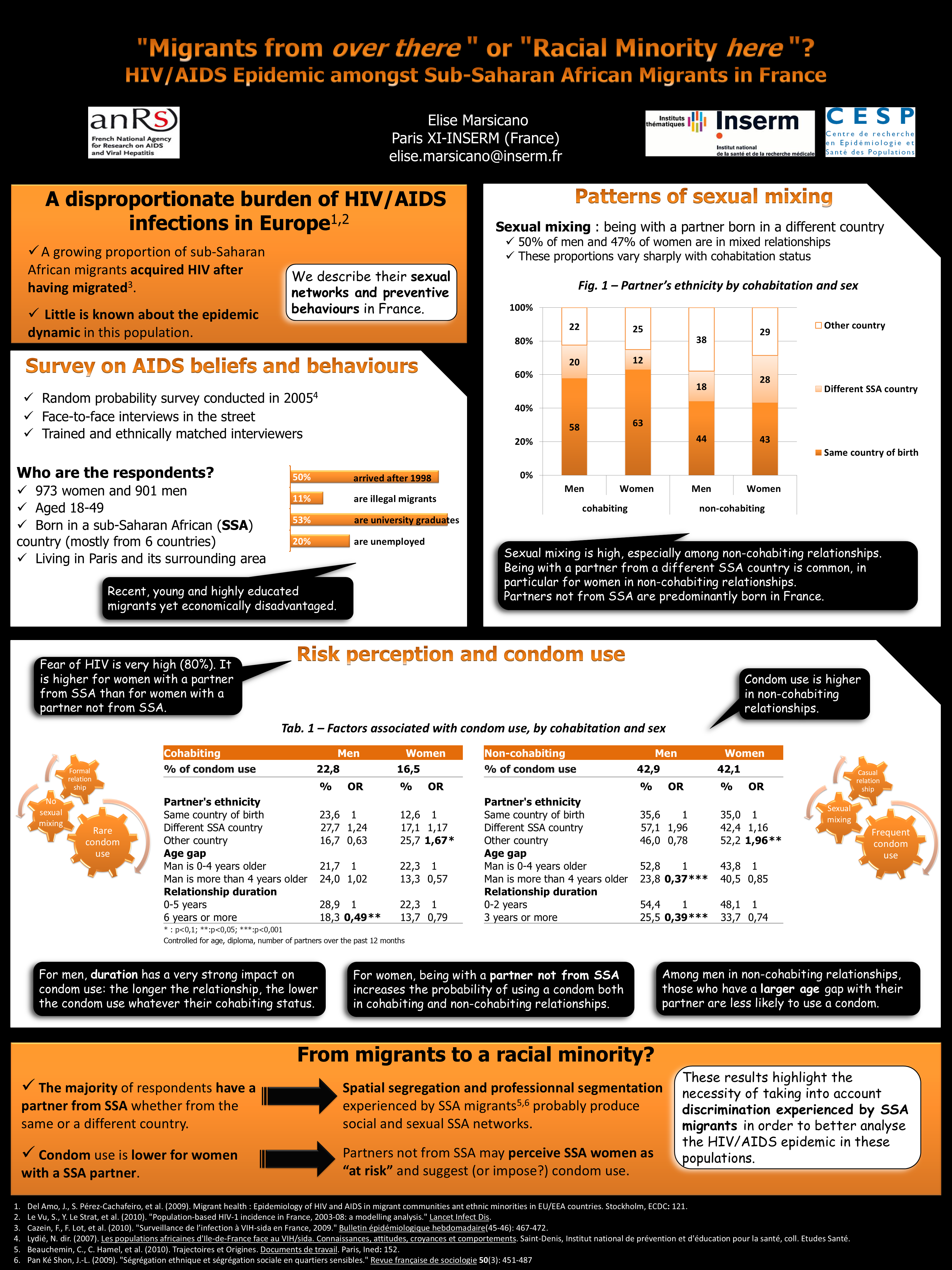
A good layout helps readers understand your message

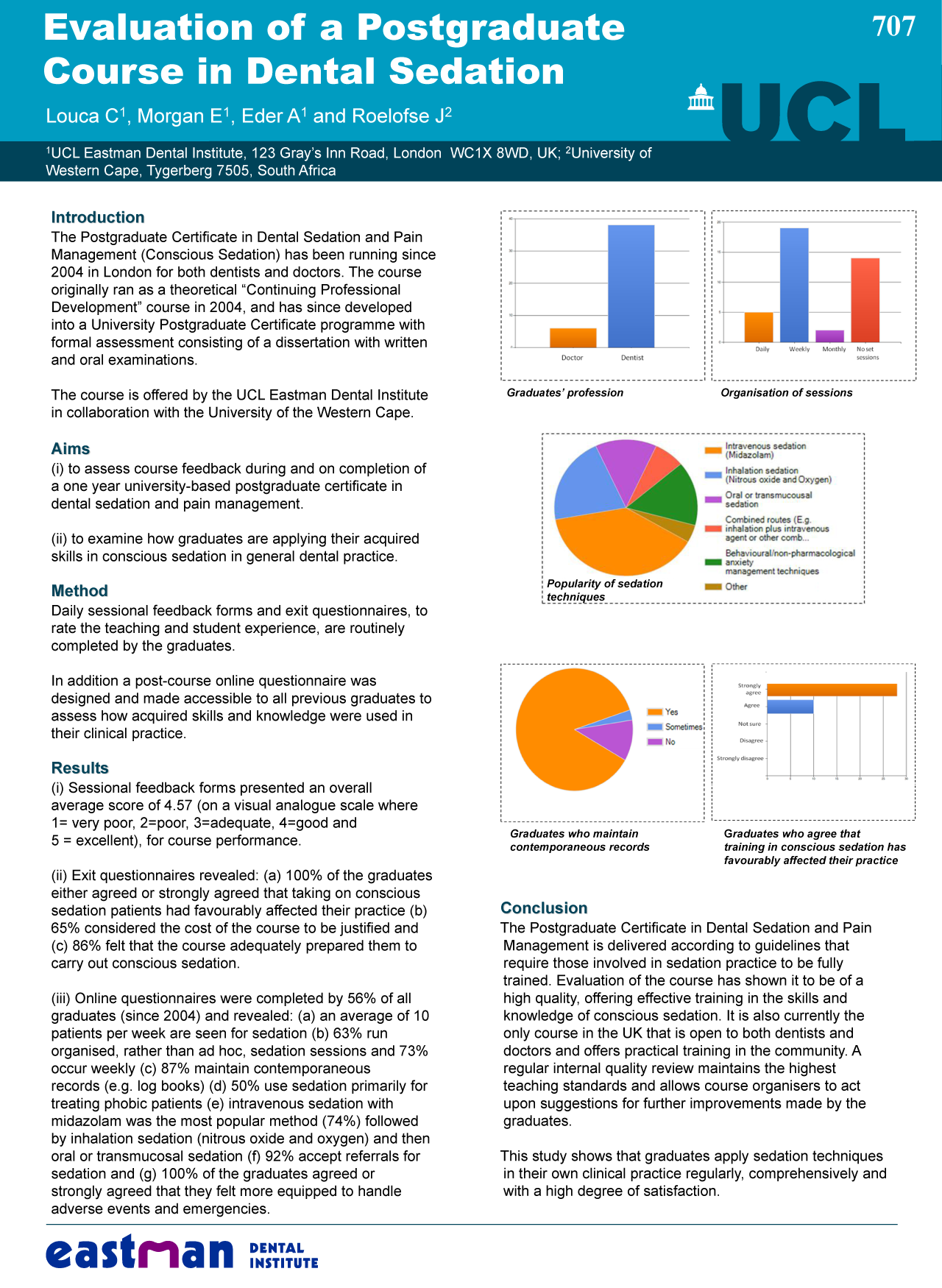
  • Your poster should be neat and uncluttered
    • Use white space to help organize sections.
    • Balance the placement of text and figures.
  • Use headings to help readers find what they’re looking for:
    • objective, results, conclusions, etc.

Layout matters

A good layout helps readers understand your message

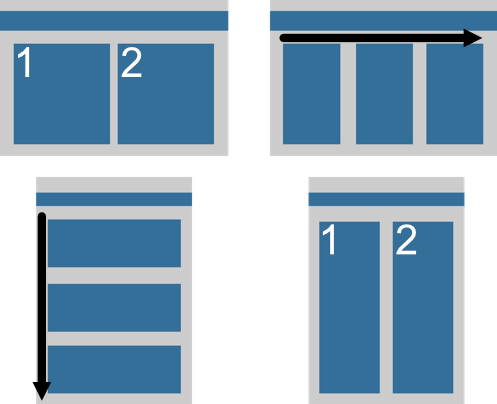
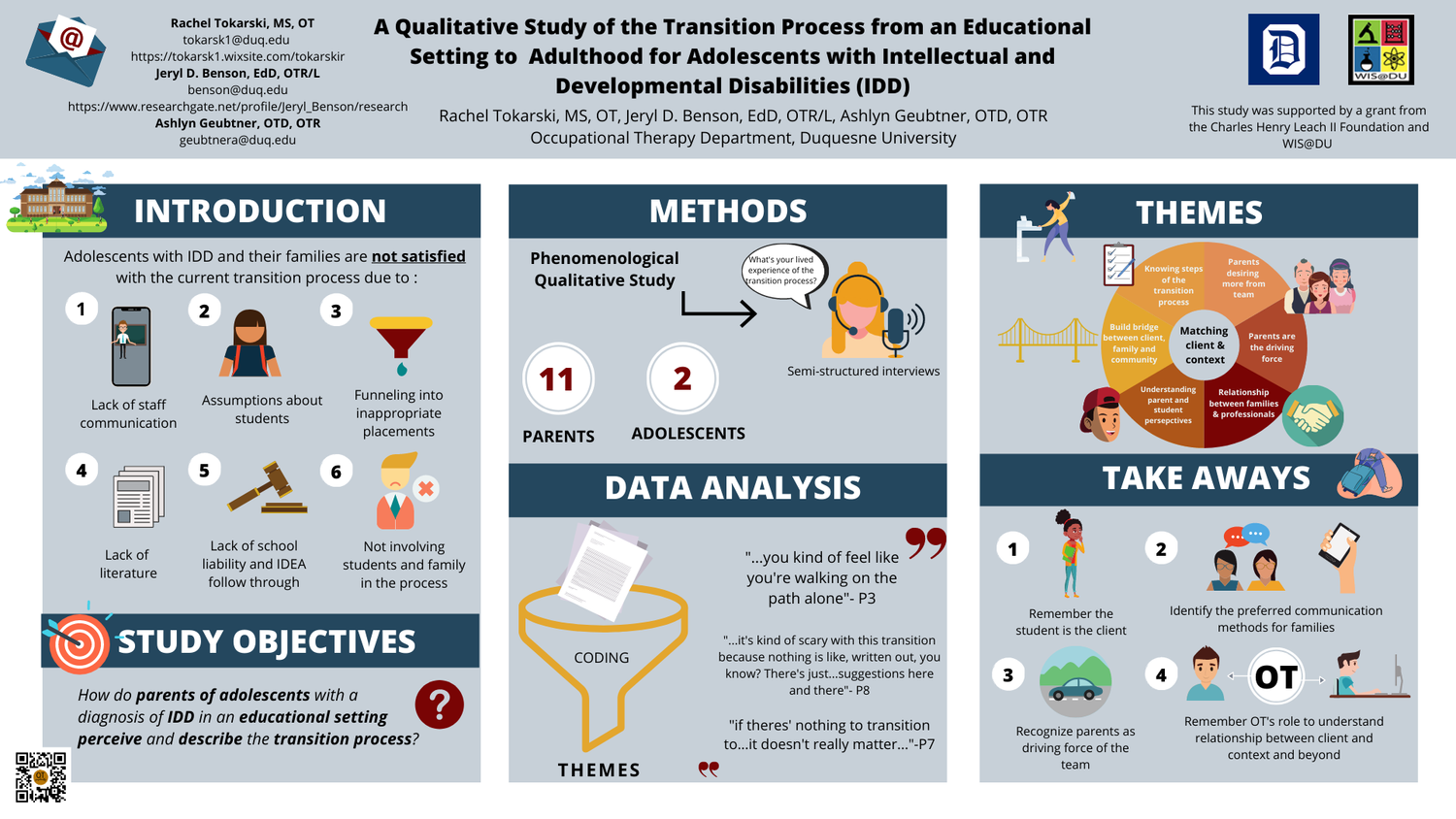
  • Use a clearly defined visual grammar to move readers through the poster
    • Be explicit: use arrows, numbers, etc. to guide readers
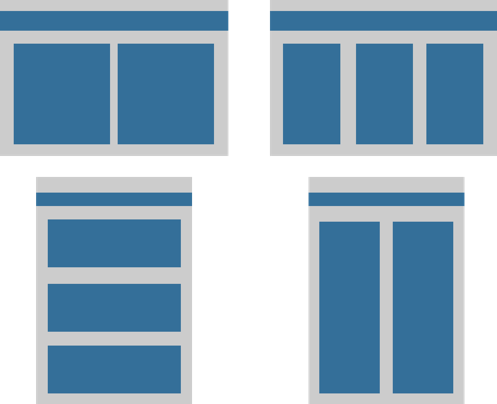
    • A columnar format helps traffic flow in a crowded poster session.
    • Don’t fight reader gravity, which pulls the eyes from top to bottom (first) and left to right

(Not too much) text

Minimize text, use graphics!

  • Use figures to tell your story.
  • Use text to support your figures
    • Think of your poster as an illustrated abstract.
    • Tell viewers why your work matters, what you did, what you found, and what you recommend.
    • Avoid excessive focus on methods, it’s the results and implications that count!

Text guidelines: content and format

  • Minimize text
    • Keep text in blocks of no more than 50-75 words
    • Use bullet points to break up text and make it easier to read.
      • Don’t create large, monolithic paragraphs of prose
      • Avoid full sentences
  • Use (sparingly) bold/italics/color to highlight key points
  • Use active voice
  • Avoid jargons depending on your audience
  • Justify/align text to create a neat and organized look

Text guidelines: size and font

  • Text must be large enough to read from 1-2 meters
    • including the text in figures
  • Title should be larger
    • Must be readable / attract attention from far away
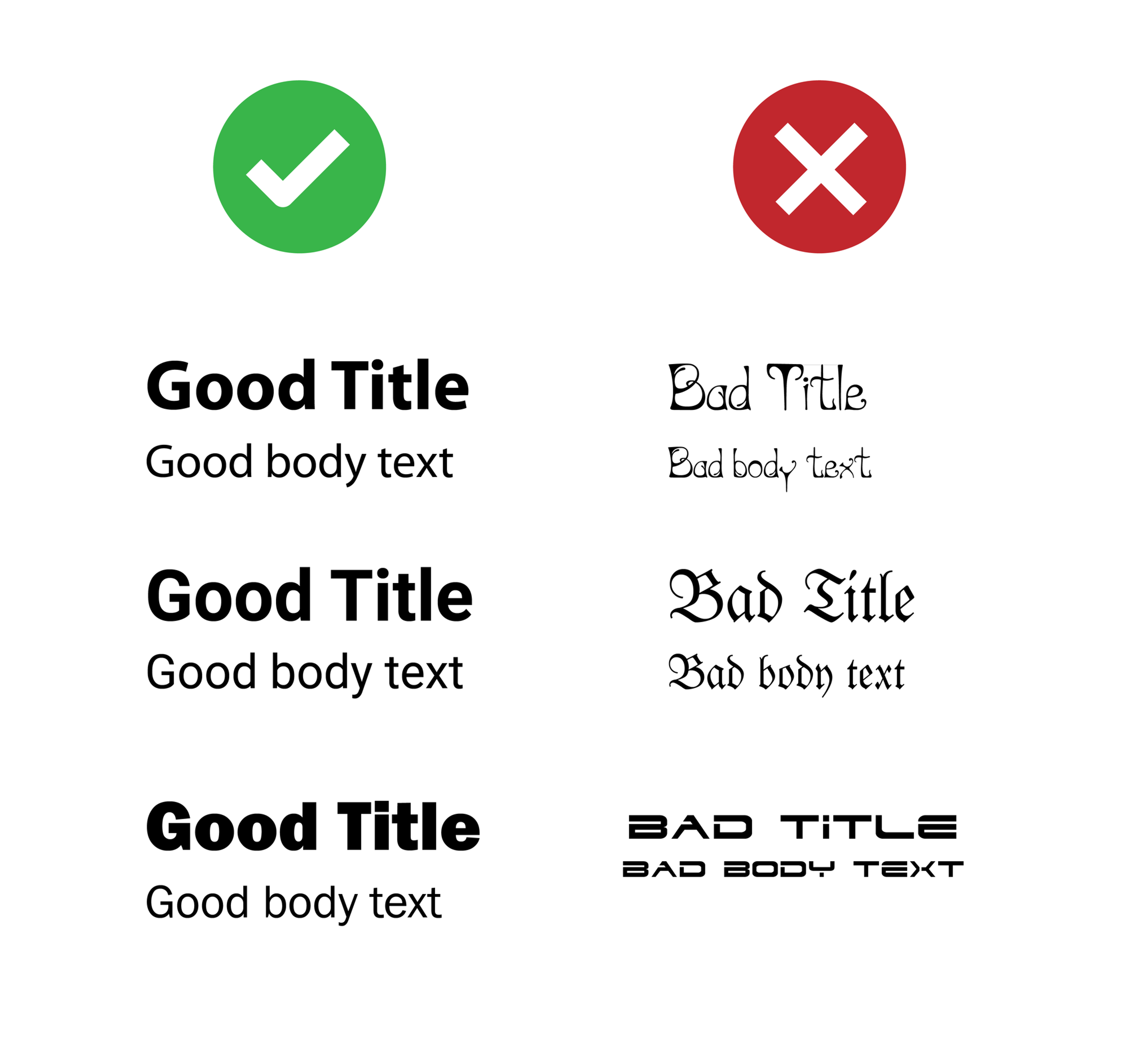
  • Use few fonts (1-2) and be consistent with their use
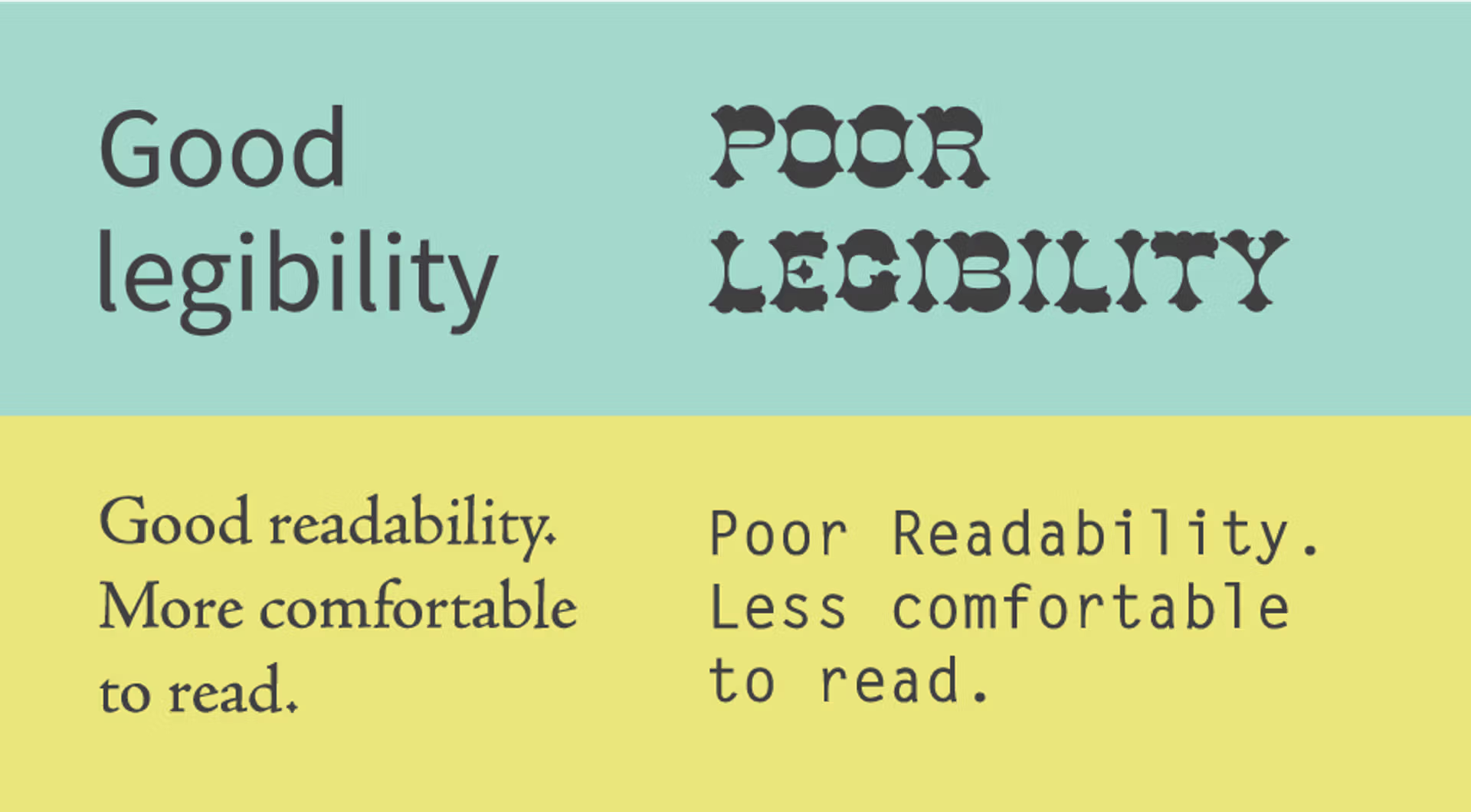
    • Avoid decorative fonts that are hard to read

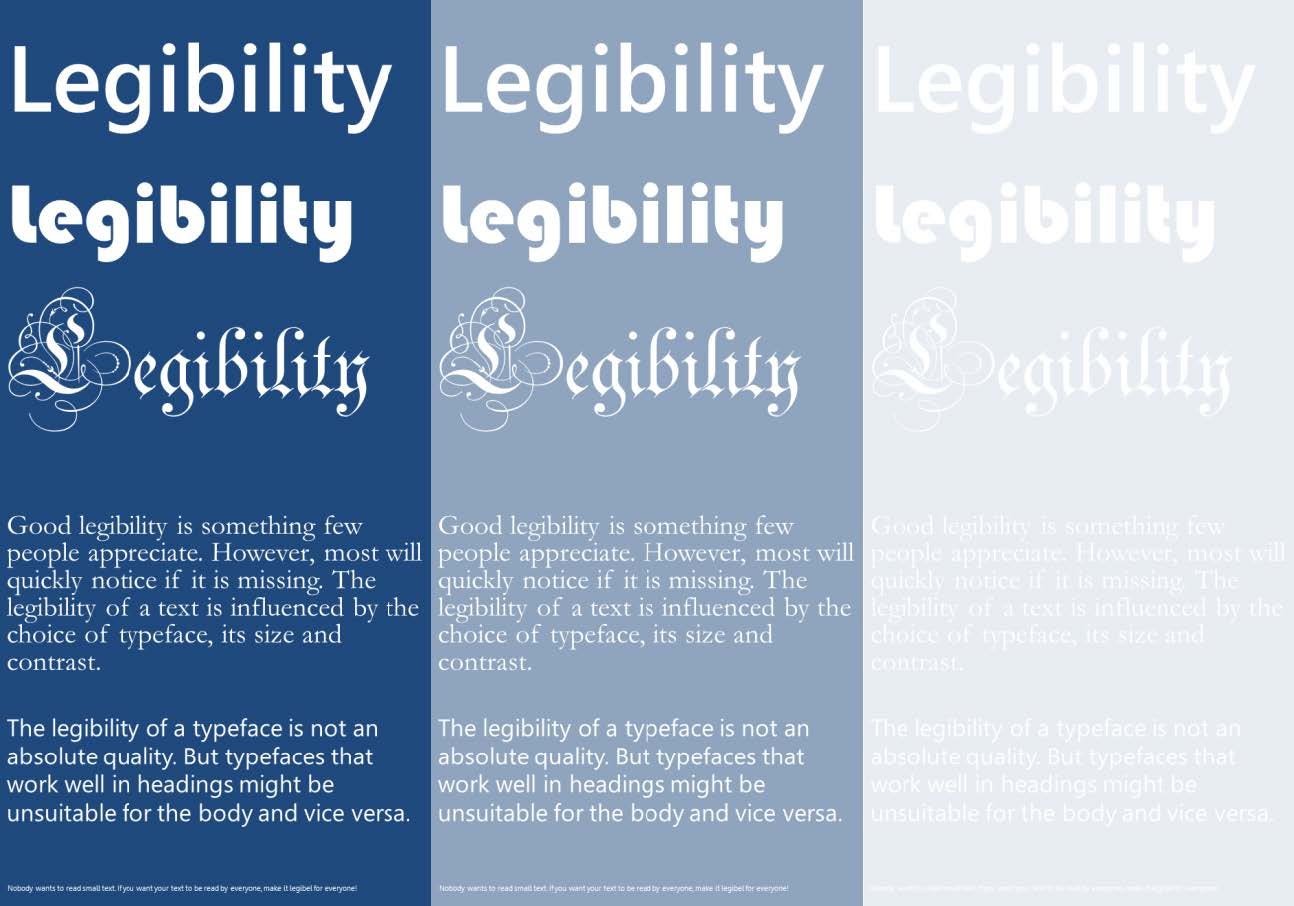
Print your poster in A3 or A4 size to check that text is legible
Text guidelines: color

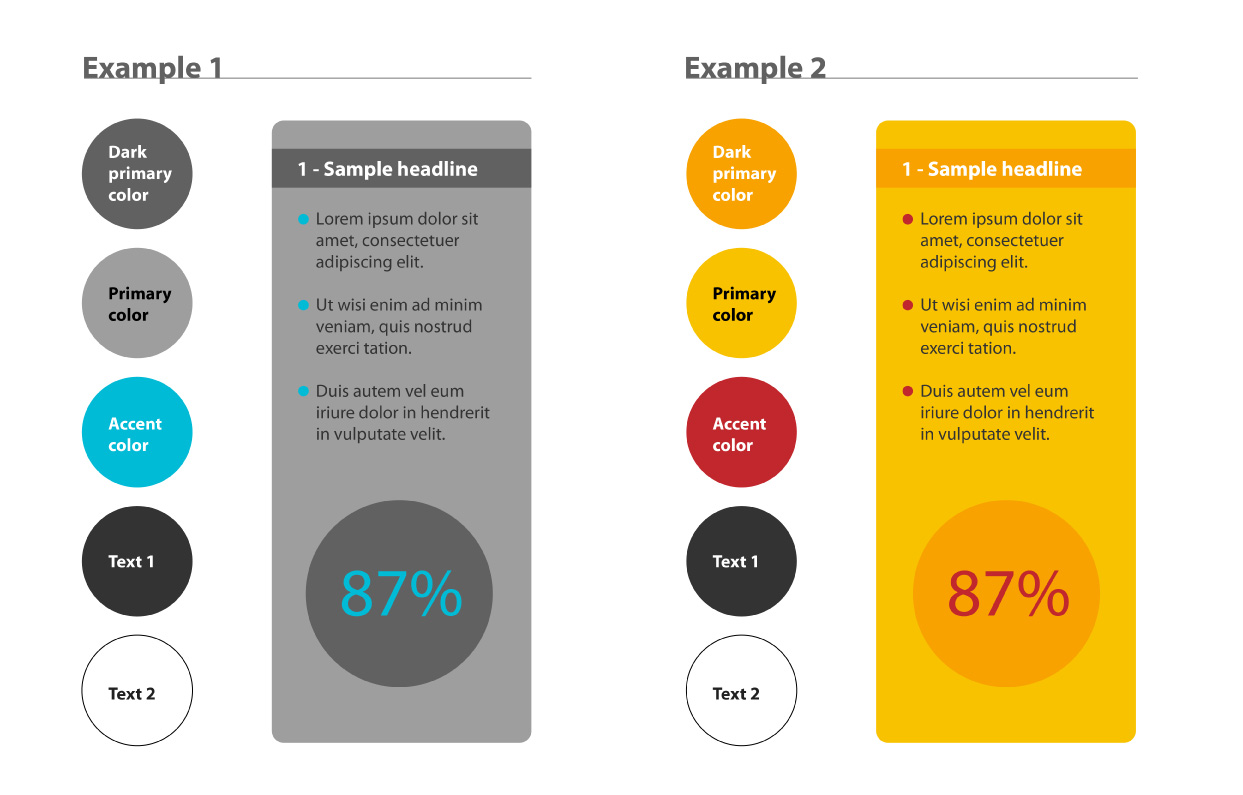
  • Use color cautiously
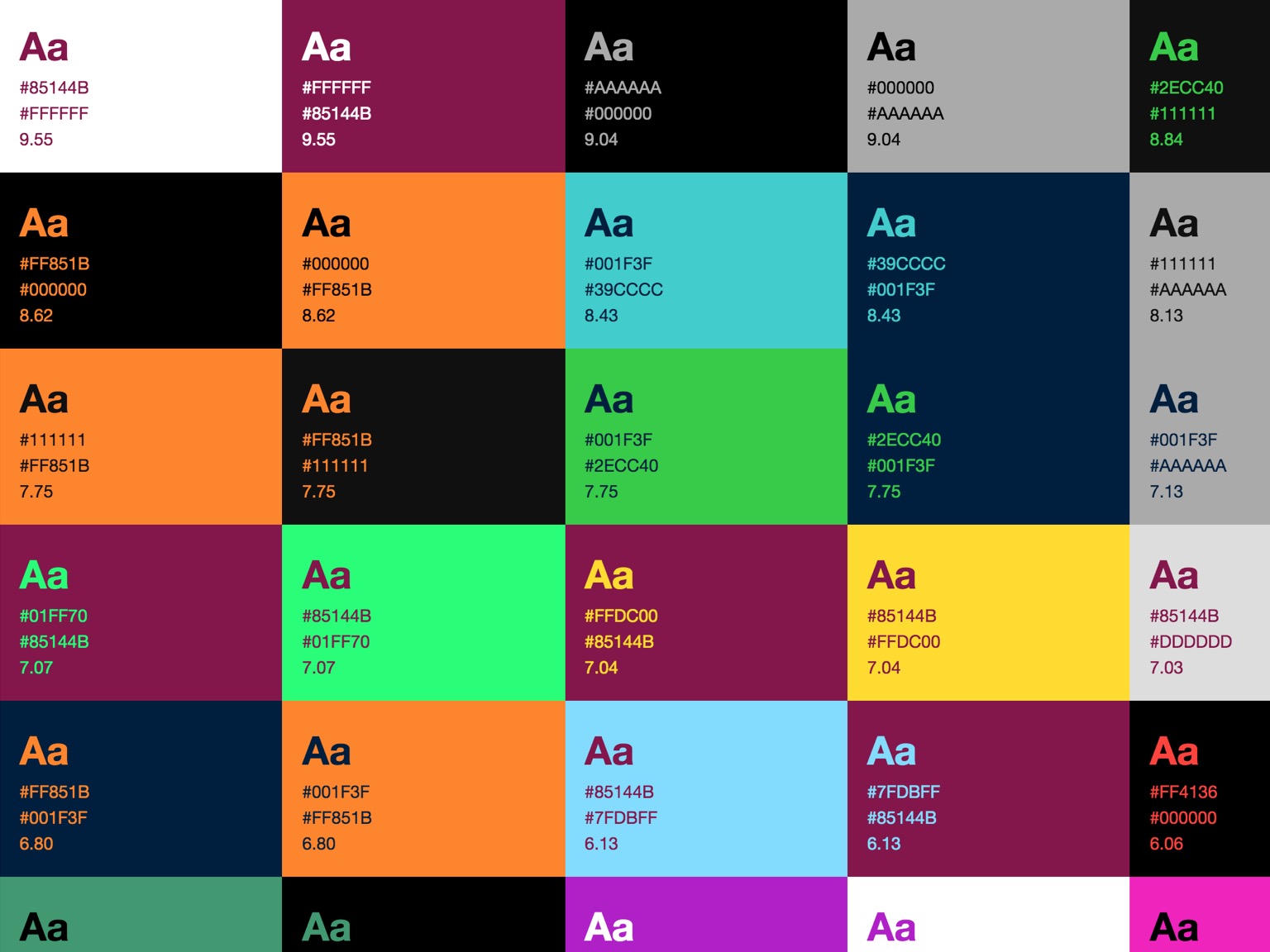
    • Dark letters on light background are easiest to read.
    • Stick to a theme of 2-3 colors, graph included!
    • Avoid overly bright colors: they attract attention but wear out viewer’s eyes
  • Use colors in a consistent pattern, graph included!
    • Must help understanding
  • Consider color blindness

Text guidelines: color

Remember that you want to be found

Your poster is an advertisement

  • Include your name and contact information on the poster, and make it easy to find
  • QR code can be useful
    • to share link to poster, paper, preprint, website,
    • but should not be the only way for viewers to find you

Headings are your friends

  • Summarize key points
    • Good for viewers in a hurry / short sessions
  • Organize your poster by contributing to its visual grammar, guiding your viewers through it
  • Remember: make the strongest statements your data allow

Clear visuals are key

Clear visuals should be the centerpiece of your poster

Use plots, schemes, diagrams, photos to illustrate your message

Good graphics should

  • Communicate your message clearly and effectively
  • Be simple and uncluttered
  • Respect visual grammar: axes, labels, legends, etc.
  • Use color to enhance understanding, not just for decoration
  • Include all necessary information
    • Follow same principles as for the rest of the poster (size, legibility, jargon)
    • Avoid adding extra text on poster

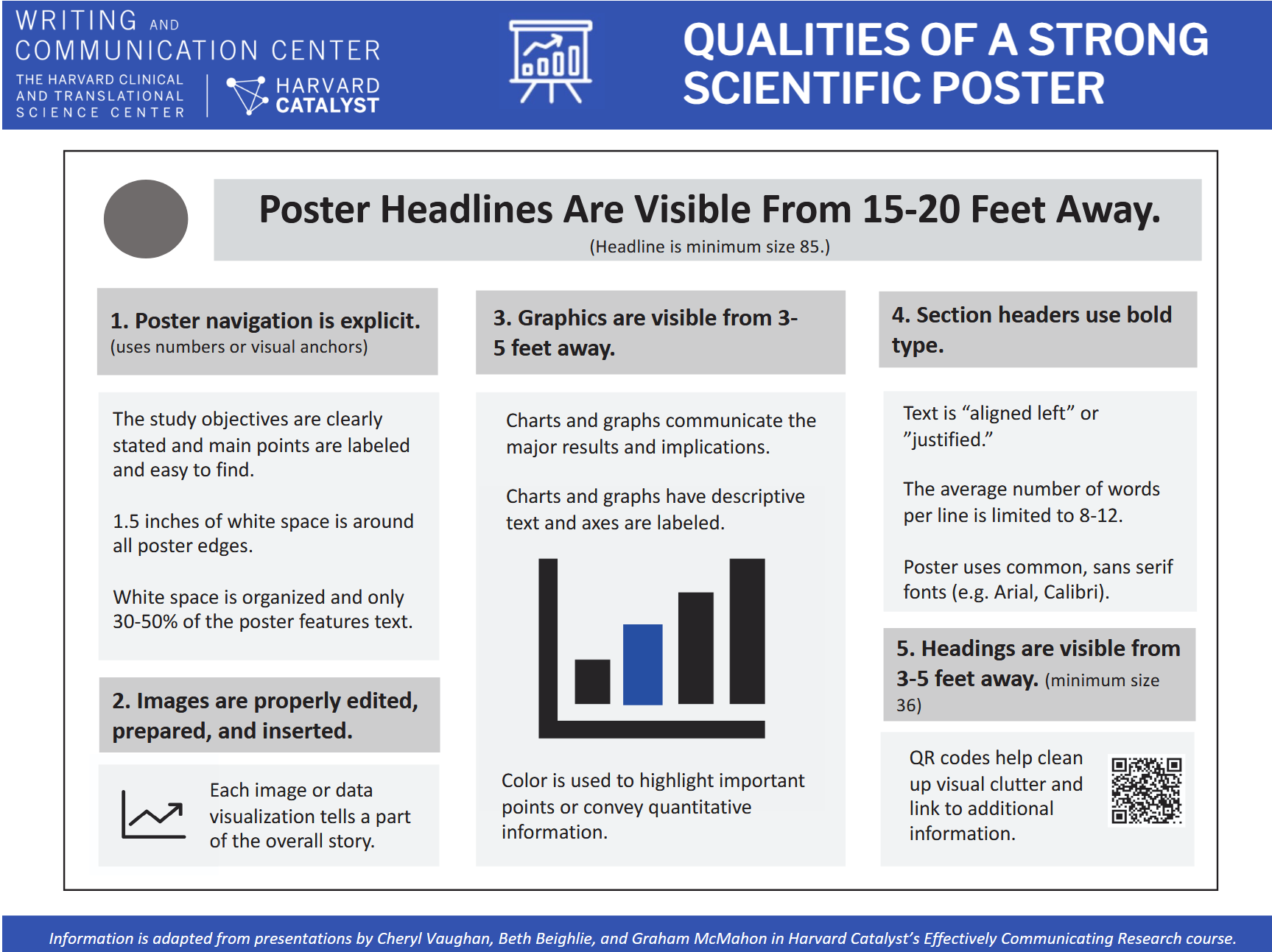
viz.seis.me for learning how to make good graphics

Evaluation

Self-evaluate before asking for feedback

https://catalyst.harvard.edu/wp-content/uploads/2025/02/qualities_of_a_strong_poster_handout_harvard_catalyst.pdf

https://catalyst.harvard.edu/wp-content/uploads/2025/02/rubric_for_scientific_posters_harvard_catalyst.pdf

Ask for feedback from colleagues

  • Share your poster with colleagues and ask for their input
  • Be open to constructive criticism and use it to improve your poster

Presenting your poster

Use your poster to start a conversation

  • Use your poster as a visual aid
  • Focus on the evidence = your graphics
  • Talk viewers through your poster. Do not read the poster.
    • Explain why the problem is important
    • Use the graphics to illustrate and support your findings and recommendations
  • Walk me through your poster” = give 30s/2min/5min versions of presentation depending on
    • available time
    • interest/expertise of audience.

Make sure to include

  • Context of your work and why it’s important
  • Your objectives
  • What you did
  • What you discovered: this should be your main focus
  • What your discovery means in terms of the context

This should be easily found on your poster, so that viewers can follow along with your presentation

Be prepared to answer questions

  • What did you find?
  • What will you do next?
  • What are the implications of your findings for X/Y/Z?
  • What might you have done differently?

Practical tips

  • Install your poster neatly on the board before the session starts
    • to avoid last-minute stress and technical issues
  • Be approachable and enthusiastic about your work
  • Face your audience, not your poster
    • Points to the elements of your poster as you talk about them, but do not stare at them
  • Do not read, do not overwhelm viewers with too much information
    • Give details only if asked, and keep them relevant to the question asked

Going further

https://catalyst.harvard.edu/writing-communication-center/poster-presentations/